 HowDidItCrash
22-11-2026 | 12:00
Bunnykill
NN © 2026
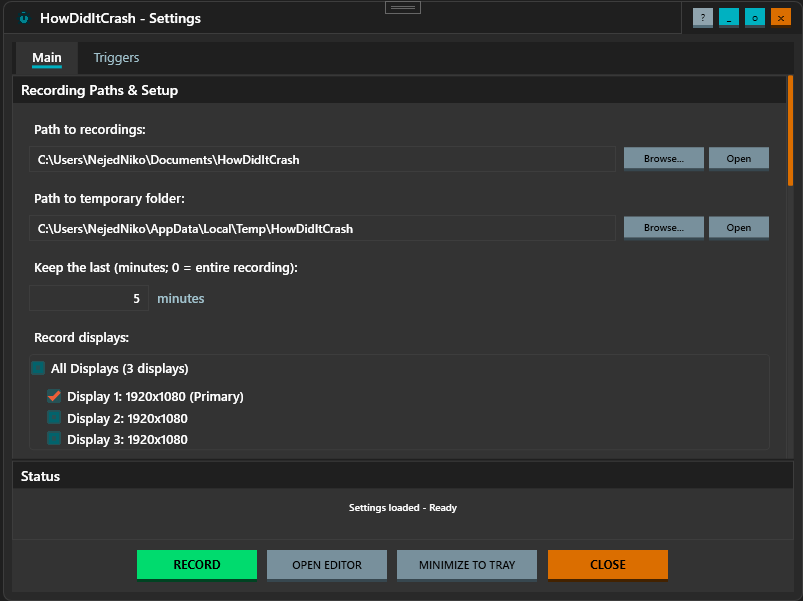


Screen recording and crash capture tool. Developed for windows software manual testers.
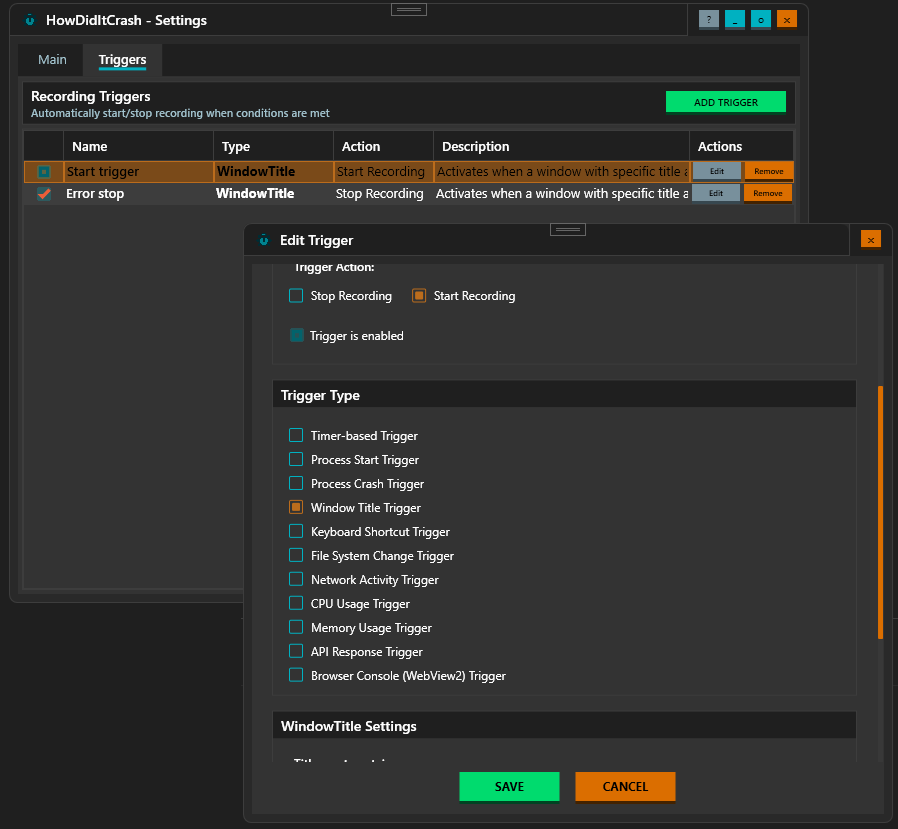
Including all the handy features like automatic gif creation when recording stops, or even triggering start/stop on selected type of trigger.
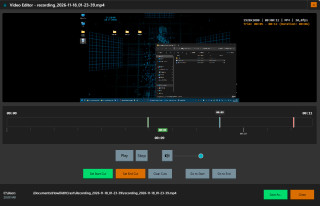
It also includes a small video trim editor, so you can seriously make your work so much easier.
The recording runs in the background, minimalized to tray. When recording, it blinks red.
Trial version is available for registered accounts.
Intended for Windows 10 or higher.
Trial version is available for registered accounts.
Intended for Windows 10 or higher.
Features
- Recording start/stop - manual
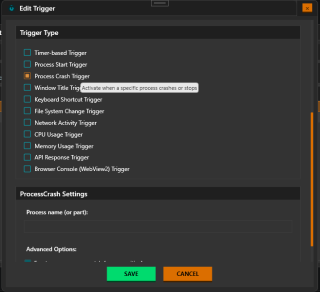
- Recording start/stop - by trigger
- triggers - process title
- triggers - timer based
- triggers - process starts
- triggers - process crashes/ends
- triggers - keyboard shortcut
- triggers - change in a file system
- triggers - network activity
- triggers - CPU usage
- triggers - memory usage
- triggers - API response
- triggers - WebView2 trigger
- Video trimming editor
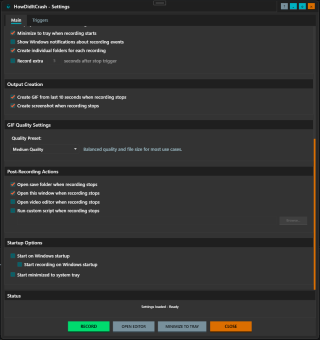
- Automatic GIF generation
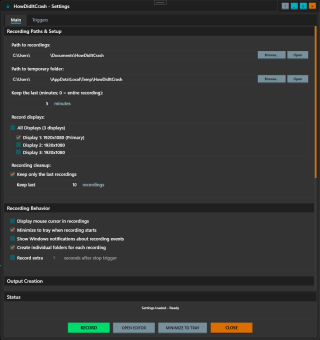
- Display selection
- Automatic recording cleaning
- Display cursor
- Minimize to tray
- Record overtime setup
- Automatic screenshot capture
- Post-recording action setup
- Startup actions setup
Downloads
License
You can use this under the NejedNiko Commercial Limited License (NCLL).
3
1
0
#Recording #windows #testing #triggers